Insights from My Digital Invoicing Session at Lahore Chamber of Commerce & Industry
Digital transformation is reshaping the way businesses operate around the world, and Pakistan is no exception. As the country moves toward greater transparency, documentation, and automation of financial transactions, the implementation of the Digital Invoicing System by the Federal Board of Revenue (FBR) marks a significant step forward.
Table of Contents
- 1. Insights from My Digital Invoicing Session at Lahore Chamber of Commerce & Industry
- 2. Understanding Digital Invoicing
- 3. The Role of Licensed Integrators
- 4. Why Digital Invoicing Matters for Businesses
- 5. Components of the Digital Invoicing System
- 6. Step-by-Step Registration and Integration Process
- 7. Basic Requirements for Digital Invoicing
- 8. Support Resources Available to Taxpayers
- 9. My Key Message to Businesses
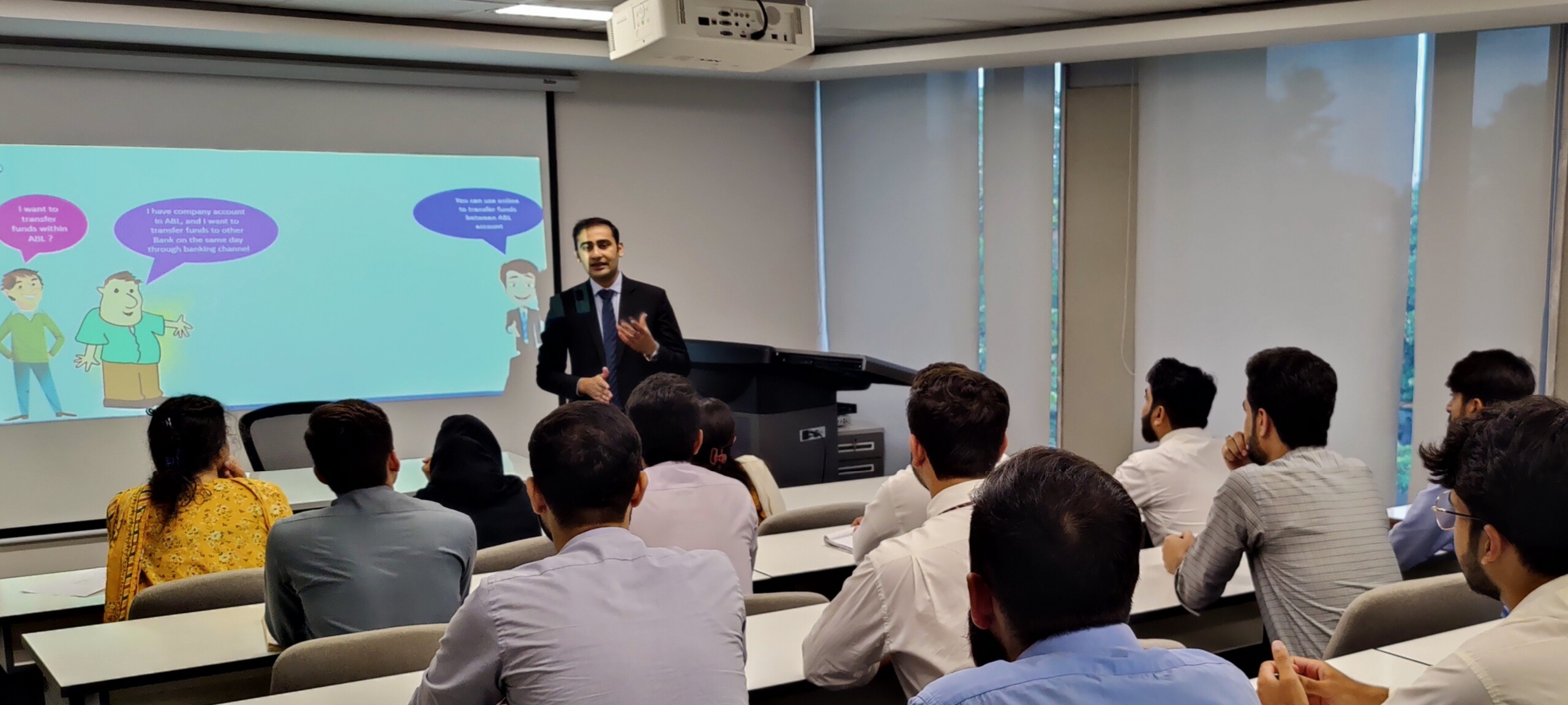
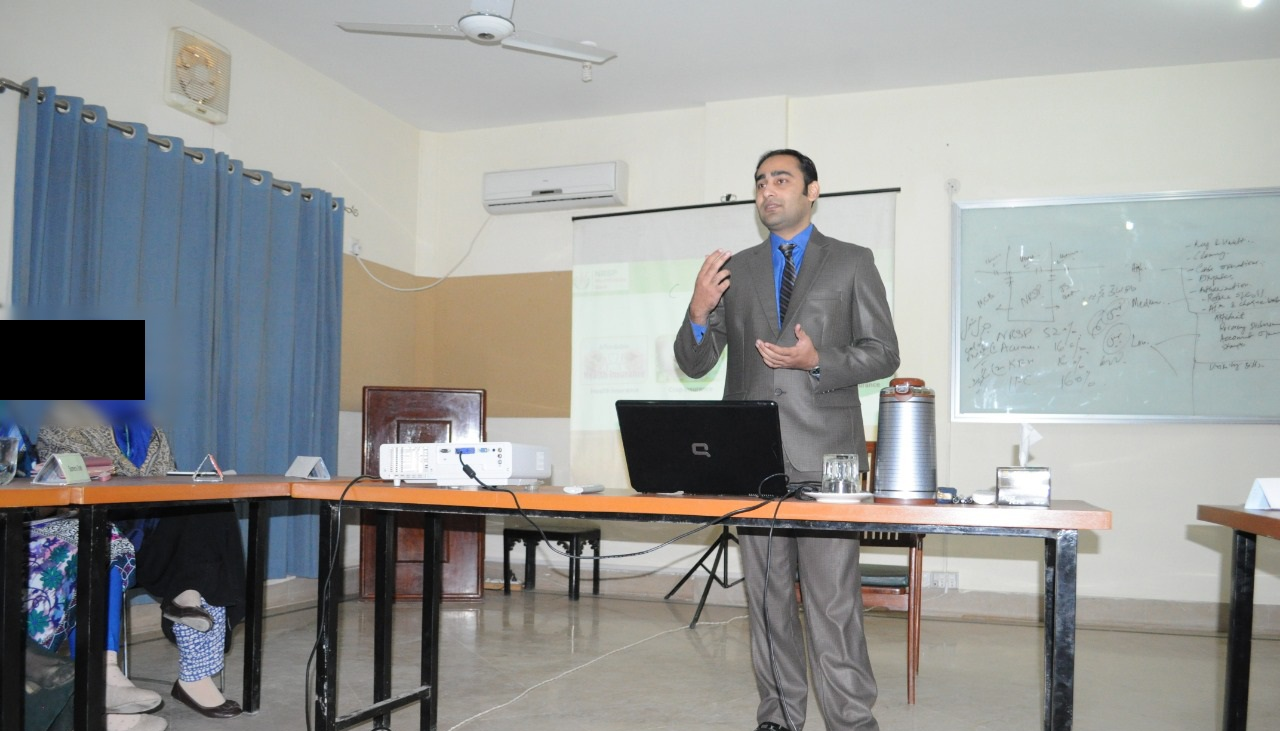
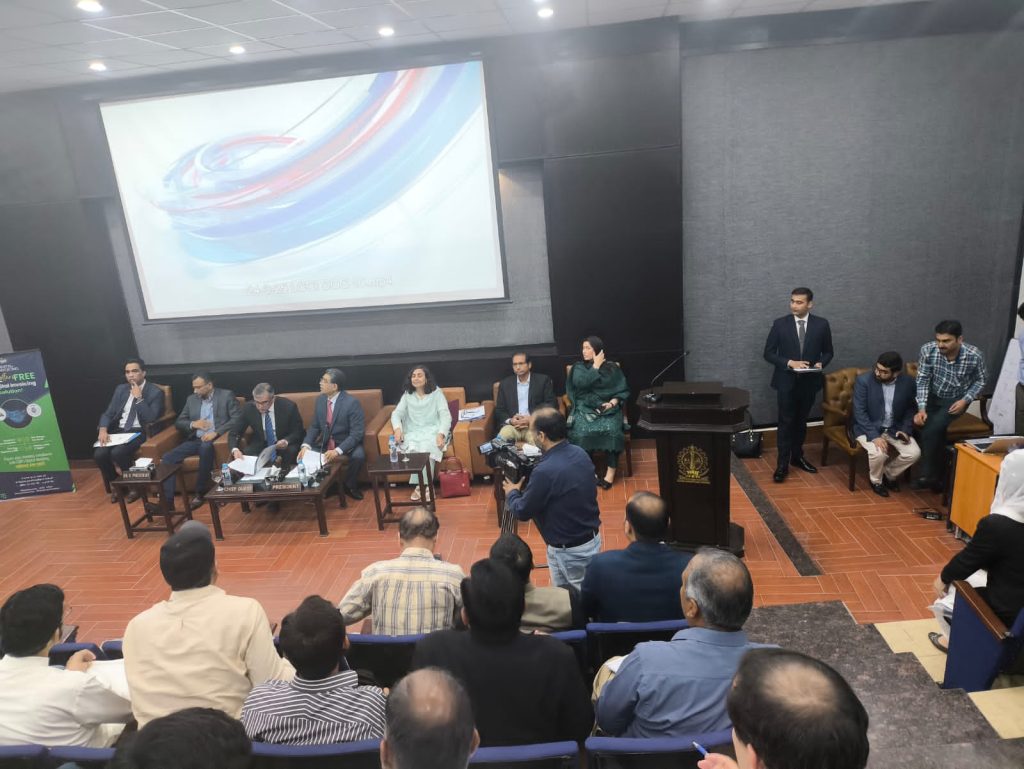
Recently, I had the privilege of conducting a training session on Digital Invoicing at the Lahore Chamber of Commerce & Industry (LCCI), Lahore. The event brought together approximately 150–200 participants, including taxpayers, tax consultants, chartered accountants, business owners, and tax officers. The objective of the session was to create awareness about the Digital Invoicing System, explain the registration and integration process, and address practical concerns faced by businesses.
The enthusiasm shown by participants clearly reflected the growing interest in Digital Invoicing and the need for greater awareness regarding compliance and digital transformation initiatives being introduced by FBR.
Understanding Digital Invoicing
Digital Invoicing is an online mechanism through which businesses record and transmit their sales invoices electronically. Instead of relying solely on traditional manual reporting methods, invoice data is shared with FBR in real time, enabling better transparency, verification, and monitoring.
The Digital Invoicing ecosystem primarily involves three stakeholders:
1. Taxpayer
Businesses that generate sales invoices and report transactions.
2. Licensed Integrator
An entity authorized by FBR to facilitate technical integration between taxpayers and the Digital Invoicing System.
3. FBR
The regulatory authority responsible for monitoring, validating, and managing invoice data.
The introduction of Digital Invoicing is expected to improve tax compliance, reduce documentation issues, and support Pakistan’s broader digital transformation objectives.
The Role of Licensed Integrators
One of the most common questions raised during the training session was:
“How can businesses connect their software systems with FBR?”
The answer lies in Licensed Integrators.
A Licensed Integrator acts as a bridge between the taxpayer’s software or ERP system and the FBR Digital Invoicing platform. These entities are formally authorized by FBR to provide integration services and technical support.
During the session, I explained that taxpayers can choose from available Licensed Integrators according to their business requirements. However, a key point of interest for participants was that PRAL provides Digital Invoicing integration services free of cost, helping businesses reduce implementation expenses and encouraging wider adoption of the system. Particularly small and medium-sized enterprises looking for cost-effective compliance solutions.
Service Agreement Between Taxpayer and Licensed Integrator
In case if taxpayer proceeds with Licensed Integrator other than PRAL then before integration begins, a formal service arrangement exists between the taxpayer and the Licensed Integrator.
The Licensed Integrator provides integration services, technical guidance, testing support, and onboarding assistance. The taxpayer utilizes these services to connect their systems with FBR and ensure successful invoice transmission.
This collaboration plays a crucial role in ensuring a smooth implementation process and minimizing technical challenges.
Why Digital Invoicing Matters for Businesses
Many participants wanted to understand the practical benefits of Digital Invoicing beyond regulatory compliance.
I highlighted several advantages:
Improved Transparency
Digital records create greater transparency in business transactions.
Real-Time Reporting
Invoices are transmitted electronically, reducing delays in reporting.
Better Record Management
Businesses can maintain organized digital records for future reference.
Reduced Manual Errors
Automation minimizes mistakes commonly associated with manual processes.
Faster Compliance
Digital processes simplify tax compliance requirements.
Enhanced Monitoring
Businesses can track transmitted invoices through dashboards and reporting tools.
These benefits demonstrate that Digital Invoicing is not merely a compliance requirement but also a business efficiency tool.
Components of the Digital Invoicing System
To help participants understand the overall architecture, the training covered the major components of the Digital Invoicing System.
Digital Invoicing Registration Module
This module allows taxpayers to register and initiate the integration process.
Sandbox Environment
A testing environment where businesses can validate their integration before going live.
Invoice Acquisition API
The API enables secure invoice transmission with built-in validation checks.
Reference Data APIs
These APIs provide supporting information required during invoice generation and validation.
Together, these components create a secure and structured framework for electronic invoice transmission.
Step-by-Step Registration and Integration Process
A major portion of the training focused on the practical onboarding journey.
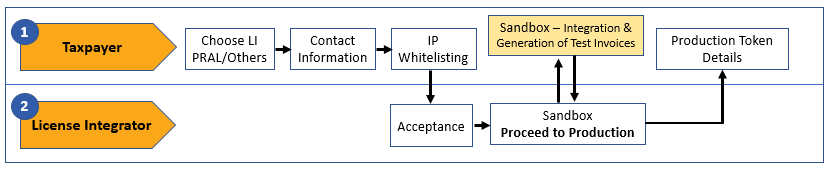
Step 1: Selection of Licensed Integrator
The taxpayer initiates the registration process and selects a Licensed Integrator.
Step 2: Submission of Technical Contact Person Information
Business and technical contact details are provided to facilitate communication.
Step 3: IP Whitelisting
For security purposes, approved IP addresses are registered within the system.
Step 4: Sandbox Environment
The taxpayer performs testing and generates sample invoices in a controlled test environment.
Step 5: Production Environment
Once testing is completed successfully, access to the production environment is granted.
Step 6: Live Operations
The business begins transmitting actual invoices directly to FBR.
Participants appreciated this structured approach because it clearly separated testing activities from live operations.
Basic Requirements for Digital Invoicing
Another important topic discussed during the session was invoice formatting and technical requirements.
Businesses must ensure that:
- FBR invoice numbers are properly printed on invoices.
- QR codes are printed according to prescribed specifications.
- Approved Digital Invoicing branding is displayed where required.
- Invoice data complies with FBR validation standards.
These requirements help maintain consistency and support invoice verification processes.
Accessing Digital Invoicing Through IRIS
To make the session practical and easy to follow, I demonstrated the actual screens available within the IRIS portal.
The process begins with logging into IRIS using registered credentials.
After login, users can access the Digital Invoicing module directly from the dashboard. This serves as the central point from which businesses can manage integration activities and monitor invoice transmission.
Choosing an Integration Mode
The Digital Invoicing module allows taxpayers to choose their preferred integration method.
For businesses already using software systems or ERPs, API Integration is generally the preferred option because it enables automatic transmission of invoice data.
Users can select PRAL as their Licensed Integrator or choose another authorized provider according to their business requirements.
This flexibility allows businesses of different sizes and technological maturity levels to adopt Digital Invoicing effectively.
Technical Details
One of the most critical stages in the integration process is the submission of technical details.
Businesses are required to provide:
- Technical contact person name Mobile & Email
- ERP/System Provider
- Software Type On Premises or Cloud
- System version information
IP Whitelisting
Following this step, IP Whitelisting is performed.
IP Whitelisting ensures that only authorized systems can communicate with Digital Invoicing APIs. This significantly enhances security and protects against unauthorized access.
Sandbox Environment: Testing Before Going Live
A concept that generated considerable discussion was the Sandbox Environment.
The Sandbox Environment is essentially a testing platform where businesses can:
- Validate system integration
- Test invoice generation
- Verify API communication
- Resolve technical issues
- Confirm compliance with required standards
I emphasized that businesses should thoroughly test their systems in the Sandbox Environment before proceeding to production.
This approach reduces operational risks and ensures a smoother transition to live operations.
Moving to the Production Environment
Once testing is completed successfully, taxpayers can proceed to the Production Environment.
In this phase:
- Production APIs become available.
- Security tokens are generated.
- Live integration is activated.
- Actual invoices begin transmission to FBR.
It marks the beginning of real-world Digital Invoicing operations.
Invoice Dashboard and Monitoring
One of the strongest features of the Digital Invoicing System is its monitoring capability.
The Invoice Dashboard provides summarized information regarding transmitted invoices.
Businesses can:
- View invoice statistics.
- Monitor transmission activity.
- Analyze invoice trends.
- Access graphical reports.
- Review overall invoice performance.
This dashboard enables management teams to maintain visibility over business transactions.
Searching and Exporting Invoices
The system also provides powerful search capabilities.
Users can search invoices by:
- Date range
- Invoice type
- Invoice number
- Transaction details
Search results can then be reviewed and invoices can be exported in PDF format.
This functionality supports record management, auditing, reporting, and internal review processes.
Participants appreciated this feature because it reduces the effort required to retrieve historical invoice data.
Support Resources Available to Taxpayers
A successful digital transformation initiative requires ongoing support.
To assist taxpayers, several support resources are available:
Technical Documentation
Comprehensive API integration guides.
User Manuals
Step-by-step registration and operational guidance.
Dedicated Support Channels
Email and helpline facilities for issue resolution and technical assistance.
These resources ensure that businesses receive the guidance necessary for successful implementation.
Key Questions Raised During the Session
The interactive discussion session produced several important questions:
Is Digital Invoicing difficult to implement?
Not necessarily. With proper planning and technical support, integration can be completed efficiently.
Can existing ERP systems be integrated?
Yes. ERP or any licensed Invoicing System can be integrated through APIs.
Why is Sandbox testing important?
It allows businesses to identify and resolve issues before going live.
What support is available?
Technical documentation, user manuals, helplines, and Licensed Integrators provide assistance throughout the process.
My Key Message to Businesses
One message I repeatedly emphasized throughout the training session was simple:
Digital transformation should not be viewed as a compliance burden. It should be viewed as a strategic opportunity.
Organizations that embrace Digital Invoicing today will be better positioned for future regulatory requirements, improved operational efficiency, stronger data management, and enhanced business transparency.
The businesses that adapt early will gain long-term advantages in an increasingly digital economy.
The Digital Invoicing training session at Lahore Chamber of Commerce & Industry provided an excellent opportunity to engage directly with taxpayers, consultants, and tax professionals. The active participation, insightful questions, and constructive discussions demonstrated a genuine willingness among businesses to embrace digital transformation.
As Pakistan continues its journey toward a more transparent and digitally connected economy, the Digital Invoicing System will play an increasingly important role in improving compliance, strengthening documentation, and enhancing operational efficiency.
The future of taxation is digital, and Digital Invoicing is a significant step in that direction.