
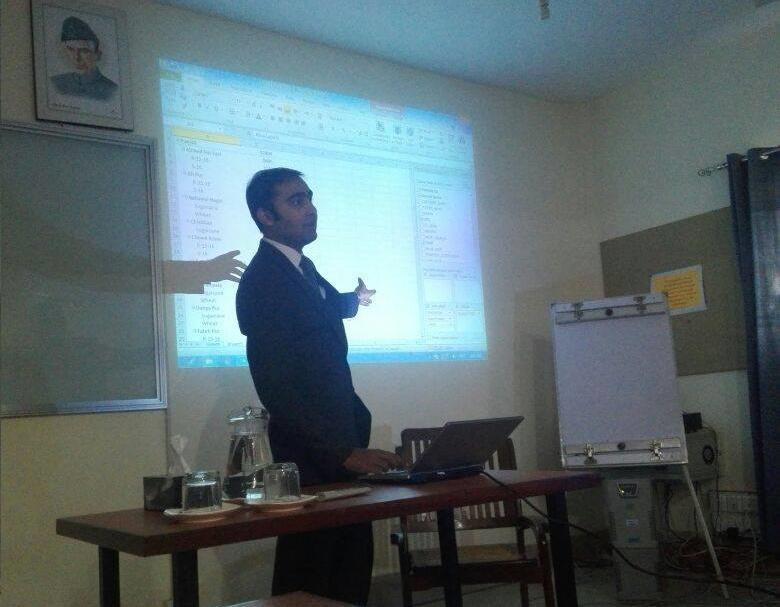
Intermediate MS-Excel Training
One-day training program of Intermediate Excel was organized by the NRSP Microfinance Bank Ltd for it’s employees.
The Office suit application introduced by Microsoft, in which the Microsoft Excel is used most widely in every office. That is why those who are expert in using Microsoft Excel have more job opportunities. An excel expert can perform his duties efficiently and effectively.
Keeping in view, NRSP Microfinance Bank limited arranged a one-day training program on “Intermediate level MS-Excel” for 30 employees of Head Office.

Training Program: Intermediate level MS-Excel
Trainer Name: Umair Khan
Venue: NRSP Training Center, Bahawalpur
Objectives: The objective of this training is to provide bank staff with the knowledge required to use more advanced formulas and work with various tools to analyze data in spreadsheets including advanced sorting and filtering, and conditional formatting, organizing table data and present data in charts.
Training Content:
- Data Representation in Tables
- Worksheet Management
- Navigation
- Keyboard shortcuts
- Paste Special
- Working with Text, Splitting Text, Joining Text
- Data Validation
- Sort & Filter
- Remove Duplicates
- Database Functions, VLOOKUP, HLOOKUP
- Logical Functions, AND, OR, IF statements
- Pivot Tables
- COUNTIFS, SUMIFS
- Advanced Charts
Training Method: Hands-on